The plugin does not appear in my DAW
Most hosts only scan for new plugins at launch. Quit the DAW completely and reopen it. Logic Pro runs its own validation pass on first launch after an install, which can take a minute. In Ableton Live, Reaper and Studio One you can also trigger a manual rescan from the plugin preferences.
An install failed, or a plugin stopped loading after an update
Quit your DAW first: an installer cannot replace a plugin your DAW has open. Then open the plugin in RSL Hub and choose Reinstall, which runs a fresh copy of the current installer over the old one. Your presets and sessions are kept.
Signing in to RSL Hub does not finish
RSL Hub signs you in through your browser: it opens renegadesoundlabs.com, you sign in there and choose Allow, and the browser hands you back to the app. If no browser window appeared, press Cancel sign-in, then Sign in again. Make sure you are signing in with the email address you ordered with.
A plugin is silent and asks to be activated
It is not activated on this computer. Open RSL Hub and sign in, then press Check again in the plugin. If it still asks: check you are under the limit of 4 computers, that the computer's date and time are correct, and that you still have the plugin. A free trial that has ended, or an All Access membership that has lapsed, locks the plugins you do not own until you buy or subscribe.
I replaced or reset a computer and now I am over the limit
Remove the old one in RSL Hub under Settings, or on your account page under Activated computers, then activate the new one. You can use up to 4 computers at a time. If RSL Hub says too many computers have been added this month, contact us and we will clear it.
macOS says the installer cannot be opened
That is Gatekeeper reacting to a download rather than a fault with the file. Open System Settings, go to Privacy and Security, scroll to the Security section and choose Open Anyway, then run the installer again.
Windows says the publisher is not recognized
Expected, and not a fault with the file. The Windows installers are not code signed yet, so Microsoft Defender SmartScreen warns the first time you run one. Choose More info, then Run anyway. Code signing is on the list.
I cannot find it in Pro Tools
Pro Tools only loads AAX plugins. On macOS every paid RSL plugin includes AAX, and so does the free RSL One: update it in RSL Hub (or run its installer again with AAX (Pro Tools) selected), then restart Pro Tools. RSL Foresight has no AAX build, so Pro Tools will not see it. There is no AAX on Windows yet.
I need to install it again
Open RSL Hub and choose Install, or Reinstall if it is already there. Every installer is also kept under Downloads on your account page. You never need to buy again or contact us to get a plugin back.
It loads but I hear no change
Check the plugin is not bypassed and that its mix or wet level is above zero. Several RSL plugins match the output level on purpose (gain match, matched bypass), so the difference you hear is character rather than volume. Where a plugin has a residual or delta monitor, switch it on to hear exactly what is being added.

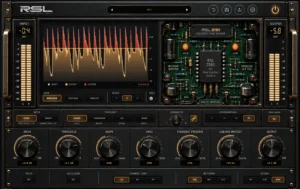
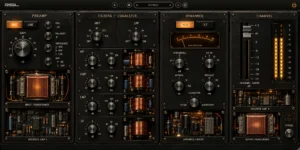
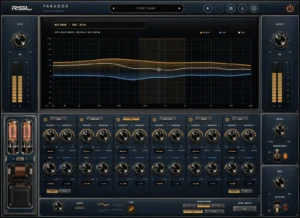 RSL All AccessEvery RSL plugin. One subscription.All 6 plugins and every new one we make, installed through RSL Hub on up to 4 computers.$15/mo, billed $180 yearly 2 months freeStart your free trialSee plansOr $18 monthly · 14 days free, no card · Cancel anytime
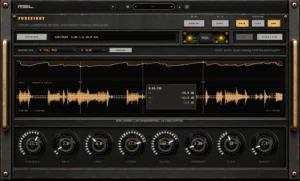 01 · PreviewRSL ForesightSee what a compressor will do before you commit.Free
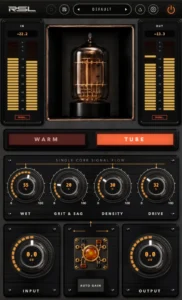 02 · ColorRSL OneWarm and Tube saturation on a single core, free with an account.Free
 Tape stripRSL-ST562A 500-series tape strip, as a plugin. Free to keep.Free
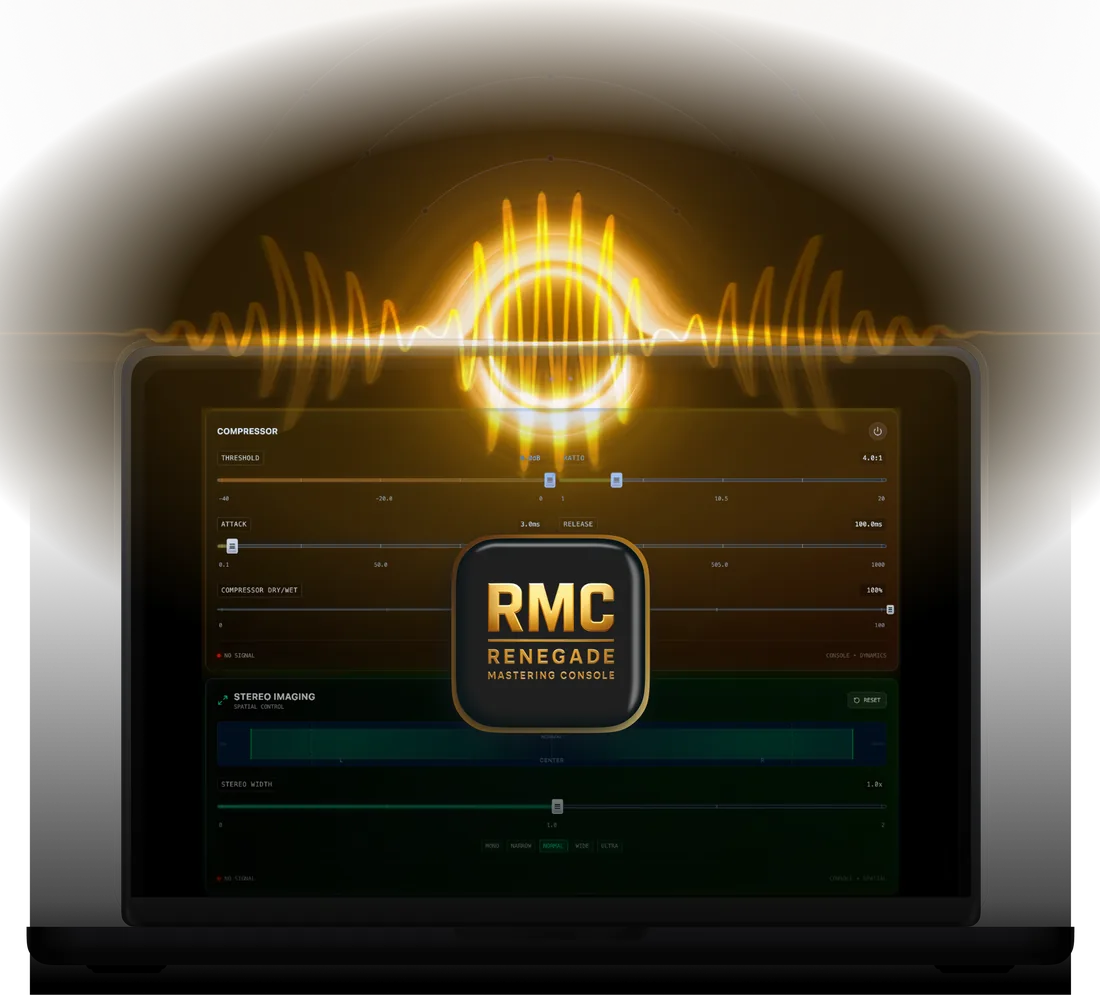 Mastering in the browserRenegade Mastering ConsoleA final-stage mastering enhancer that runs in your browser. Nothing to install.Free
 Optimized by Seraphinite Accelerator